Guide
Custom design created with AI: How your draft becomes a real engraving

LaserArt Journal
Create your own design with AI: How your design becomes a real engraving
More and more often, we receive inquiries with a screenshot from ChatGPT, Claude, or an image generator such as Nano Banana: “Can we engrave it exactly like this?” The short answer: almost never one-to-one, but almost always in some form. An AI image is an excellent starting point for your personal one-of-a-kind piece—it just isn’t a finished engraving file yet. Here you’ll learn what happens in between, what matters, and how to turn your design into a finished piece made of wood or acrylic.
1) Why an AI image is not yet an engraving file
ChatGPT, Claude, Nano Banana, and similar tools generate impressive images in seconds—as pixel graphics intended for screens. But a laser does not work with pixels; it works with clearly defined paths: Where does the machine cut through the material, where does it merely engrave the surface, and how deeply? None of this information is contained in an AI image—it must first be added.
- a design that shows what mood and subject you have in mind,
- an inspiration for composition, style, and details,
- but not a print- or laser-ready file that can simply be copied into the control software as is.
This surprises many people because AI images already look “finished” at first glance. For engraving, however, what matters is not how an image looks on a phone display, but whether every line, area, and contrast will actually work in the material later.
2) What happens between your design and the finished one-of-a-kind piece
Between a “cool AI image” and a “finished, engraved one-of-a-kind piece” lies genuine file preparation work. Software for laser cutting and engraving is significantly more complex than a standard image-editing program—it has to tell the machine exactly what to do and how:
Your AI image is translated into clear, smooth lines and areas (vector graphics) instead of pixels. This is the only way to keep edges sharp when scaling and engraving, regardless of whether the design becomes 3 or 30 cm large.
We define which lines the laser cuts all the way through and which areas are only engraved on the surface—this information is not contained anywhere in an AI image and must be defined manually.
Depending on the material—type of wood, acrylic thickness, and color—different settings are required. If the power is too high or the speed too low, the edge will burn; if they're too low or too high, respectively, the engraving will barely be visible.
Color gradients and subtle shading from the AI image must be translated into grayscale engraving dots that the laser can implement as different engraving depths.
There are also questions that only become apparent during implementation: Is a line in the design so fine that it becomes unstable or even breaks in the material, such as with delicate connecting elements? Can a highly detailed image still be recognized at the desired product size? This is exactly where our consultation comes in, before we begin the actual implementation.
3) Which materials and products are suitable for your design
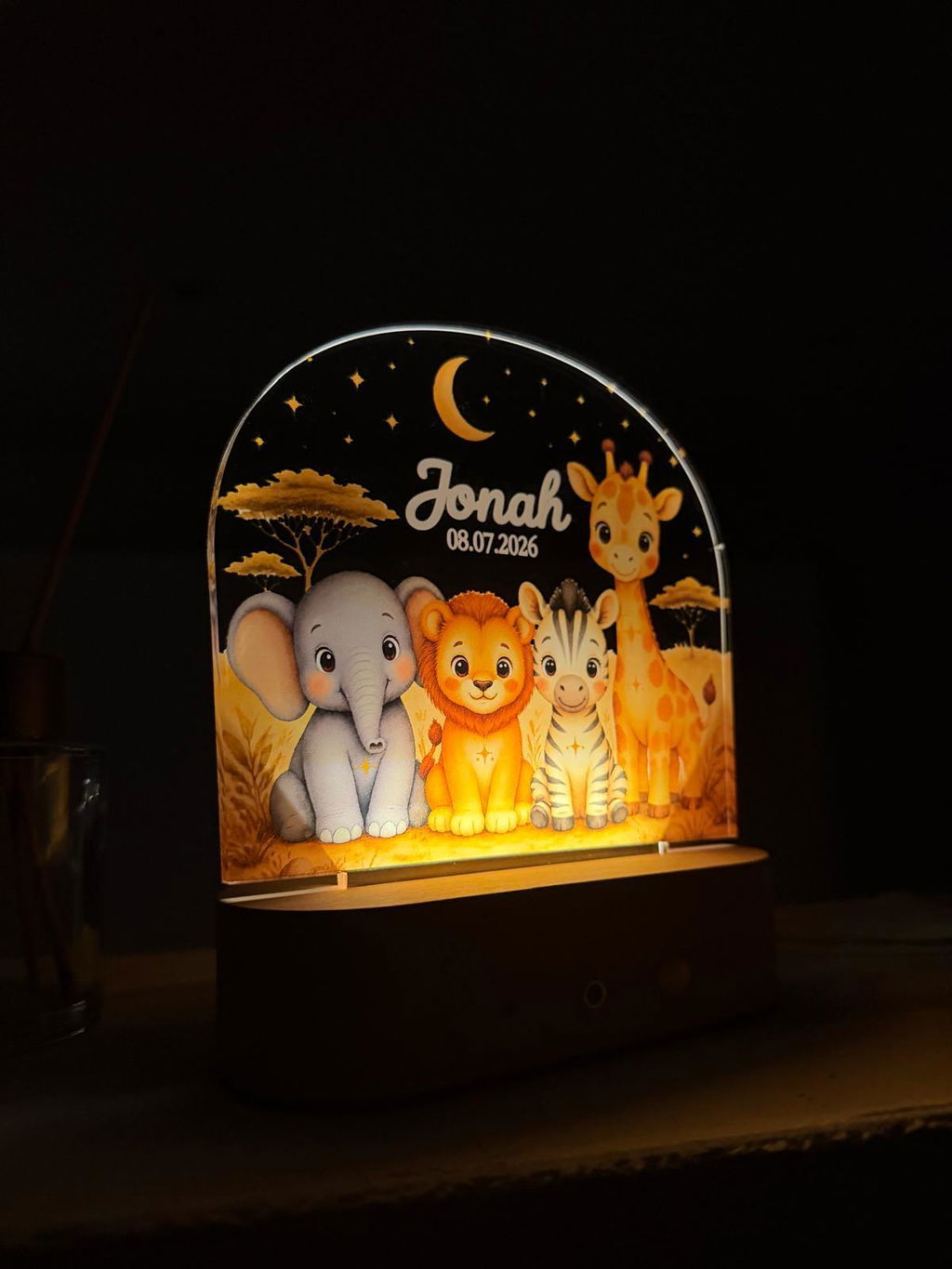
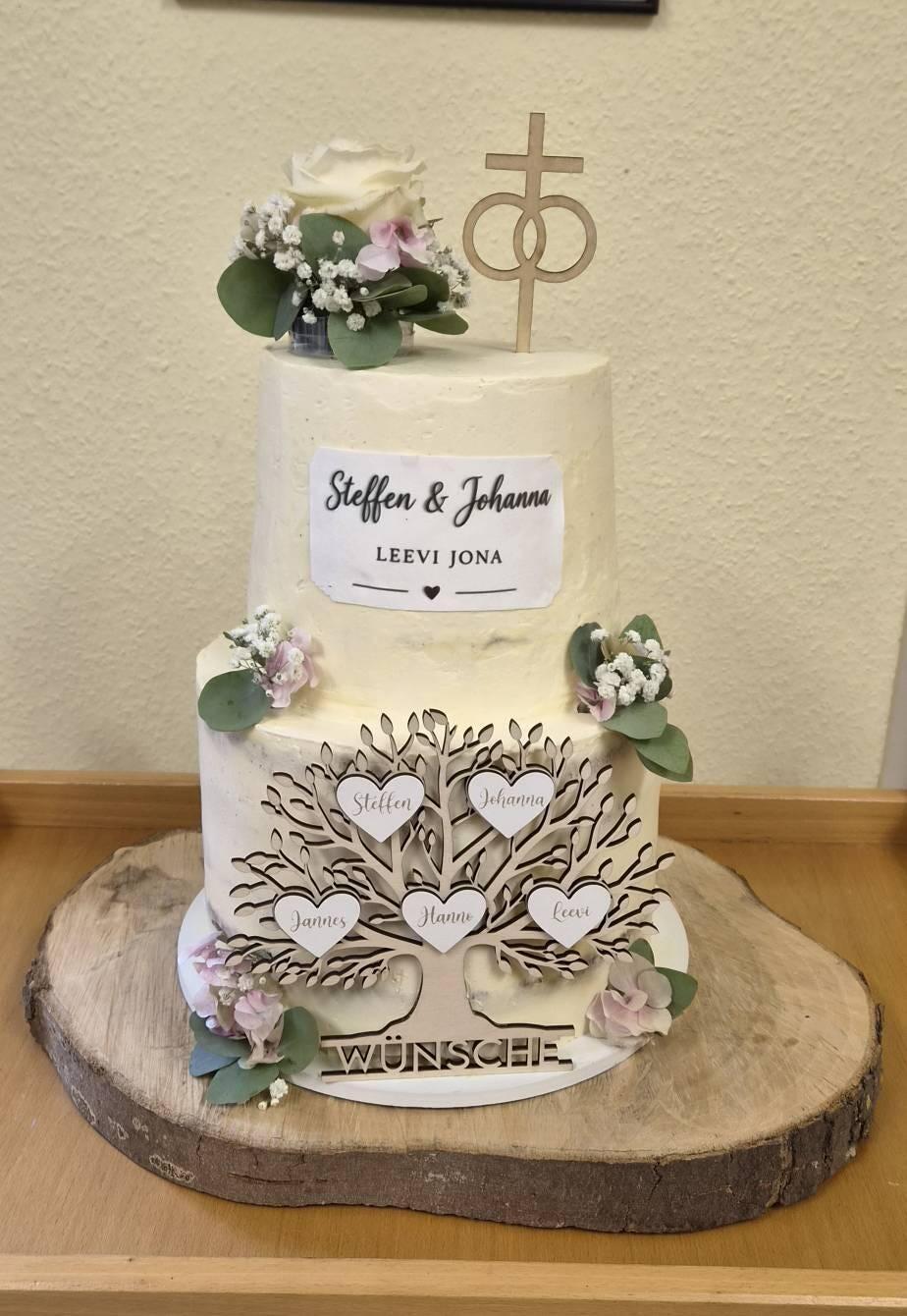
Whether your AI design ultimately becomes a family sign by the front door, a cake topper on a wedding cake, a door wreath hanger, or an engraved olive wood board depends on the design, size, and occasion. Here are a few starting points from our range:
Our widest selection of formats for individual designs—from place cards to door signs.
For small, intricate designs on the cake—find out more in the article Cake Topper with Your Own AI Design.
For designs that need to be weatherproof and clearly legible even from a distance—find out more in the article Door Wreath with Your Own Design.
Warm, naturally grained material—especially suitable for detailed illustrations created with great care.
4) This is how the collaboration works
You don't have to prepare your AI design for laser production yourself—we'll take care of that. This is what the process usually looks like:
- You send us your AI image—as a screenshot, PNG, or even just a description if you don’t have one yet.
- We advise you on feasibility—which product, material, and size suit your design, and where we need to simplify or adapt details.
- We design the laser-ready implementation—vectorization, cut lines, engraving points, and all technical settings, based on your AI template.
- You receive a preview before production begins.
- We create your individual one-of-a-kind piece in the Black Forest.
The easiest way to reach us is directly via WhatsApp chat at +49 15678 72 80 12—you can simply send your AI image there as a photo. For more detailed inquiries with multiple attachments, info@laserart-germany.de is suitable, or you can use our contact form.
5) Frequently Asked Questions
Can I simply send my ChatGPT or Claude image and have it engraved exactly as it is?
As a starting point, yes; as a finished file, no. We translate your AI image into a laser-ready template—preserving the basic idea while often simplifying or adapting details so they actually work on the material.
Which AI tools can I use for my design?
All the common ones—whether ChatGPT, Claude, Nano Banana, or another image generator. In the end, what matters to us isn’t the tool, but how well the design can be translated into an engraving.
What if my design is too detailed or intricate?
We’ll discuss that during the consultation. In most cases, a design can be simplified without losing its character; sometimes we also recommend a larger format or a different material.
Does implementing my own design cost extra?
It depends on the complexity. Send us your design, and we’ll tell you what’s possible and what it will cost—with no obligation.
How long does it take from the initial inquiry to the finished piece?
Once you approve your preview, the usual production time of 5–7 business days applies; for the design itself, we usually respond within one business day.